Customers help themselves
A help centre or customer portal gives customers direct access to answers and functions, such as tracking a delivery or registering a return.

Answering the same questions, looking up order details or copying information from documents: the right automations can take many of these tasks off your team’s hands and help customers get answers sooner.
This page explains which tasks are suitable, how rules, AI and connected systems work together, and how to get started. Leafworks supports you from choosing the right task through to implementation.
Software takes over recurring steps in handling a customer enquiry. This could be a simple assignment, an answer to a common question or a workflow that brings together information from several systems.
A simple example: when a customer selects “Invoice” in a contact form, a rule assigns the new enquiry to the accounts team. You define the trigger, condition and action. This removes the need to forward the enquiry manually; the responsible team still handles the actual invoice question.
A help centre or customer portal gives customers direct access to answers and functions, such as tracking a delivery or registering a return.
Information is gathered and responses are prepared. The person responsible reviews and decides before anything is sent or carried out.
An event starts a defined set of steps. The system handles suitable cases and passes exceptions to your team with the context so far.
Look at the work that comes up repeatedly in your enquiries. These six areas show where automation can help.
Questions about delivery times, returns or products can be answered using well-maintained knowledge content. An AI agent can ask follow-up questions in a conversation; a help centre lets customers find answers themselves.
An enquiry is assigned to the responsible team based on its topic, language or customer group. This removes manual sorting, so the right team can start working on it.
Order status, contract details or previous interactions are retrieved from connected systems. Your team can access them in the ticket, or they can be used in an approved response.
Information from a returns document or another attachment is read and captured as structured data. The next step can check whether anything is missing or pass the data to another system.
A suitable integration can register a return, update a record or request approval. Which actions may run automatically is defined for each process.
If no reply arrives or a deadline passes, the workflow can trigger a reminder or escalation. A follow-up after an unanswered outbound call can also be automated.
An automation connects a trigger with checks and actions. A delivery status enquiry shows how these work together. The following workflow is one possible implementation.
A customer asks in the chat: “Where is my order?” The enquiry is identified, and the customer is asked for an order number if it is missing.
The order is matched to the customer who is authorised to access it. The workflow may only use the order information once this match has been verified.
An integration queries the shop or logistics system. It returns the available delivery status and, where available, a tracking link.
The response uses the retrieved data. The interaction is recorded so your team can follow the history if the customer has further questions.
If authorisation is missing, the status remains unclear or the shop system does not respond, the workflow needs a defined next step: a follow-up question, another attempt later or a handover to your team.
You can start by retrieving the status and having a response prepared for review. Your team checks it before sending. The same process can therefore be implemented with different levels of automation.
Start with a specific enquiry and a clear goal. These four steps take you from recurring work to a workflow that you can introduce gradually, monitor and improve.
Review typical enquiries with your service team. Where do people repeatedly explain, search for or copy the same information? Consider frequency, handling effort and the impact on customers. A frequent task with readily available knowledge or clear rules is usually easier to define than an occasional exception.
One possible starting point is answering delivery status enquiries. The goal is for customers to receive the current status without waiting for someone to look it up manually.
Document what starts the workflow, which details it needs and when it is complete. Clarify knowledge sources, data and access rights: which system holds the delivery status? How is the order matched to the customer? What happens if information is missing or the enquiry is a complaint?
These answers form a description of the standard path and the cases your team will handle.
First check what your existing service system can already do. Configure the necessary rules, knowledge access and connections. For delivery status, this could be an AI agent with access to the order system; a predefined form option could also start the same query without AI.
Define which actions can run independently and which need confirmation. The technology overview below helps explain this distinction.
Test normal enquiries as well as incorrect numbers, missing data and unavailable systems. Start with a manageable scope and a person in your team who is responsible for the workflow. Compare the results with your previous approach and expand the workflow once it works reliably.
For delivery status, useful measures include correct answers, the manual work that remains and repeat enquiries. Maintaining knowledge and checking the workflow regularly are part of ongoing operation.
To assess whether it pays off, compare the reduction in manual work with the costs of setup, usage and ongoing support.
Rules, AI and integrations perform different tasks and are often combined. For example, an integration supplies order data, AI interprets the customer’s question and a rule controls the approval that is needed.
| Building block | When it helps | An example |
|---|---|---|
| Rules and workflows | The trigger and conditions are clearly defined. A workflow connects the specified steps. | An option in a form assigns the enquiry to a team; a reminder is sent after a defined waiting period. |
| Artificial intelligence | Different wording, conversation histories or document content need to be understood and evaluated. | An AI agent identifies a delivery enquiry; an assistant summarises the ticket history. |
| Integrations and APIs | Information or actions are needed in another system. An API provides a technical way to access that system. | The current order status is retrieved from the shop, or an approved return is registered. |
Existing standard functions may be enough for a simple workflow. When several systems need to work together, suitable apps, integrations or custom additions can be introduced. A workable solution depends on your process and existing setup.
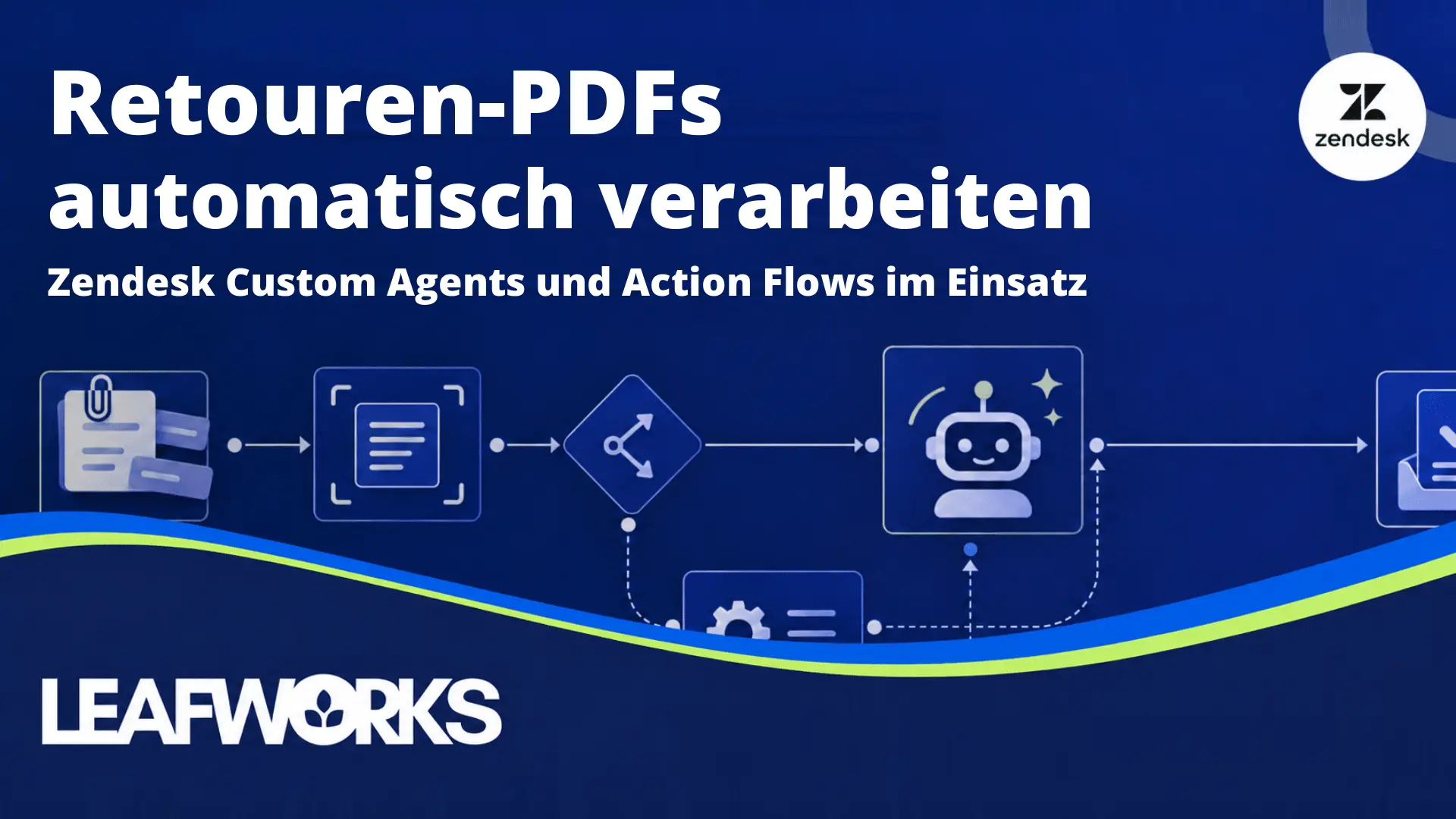
How can information from a returns document be processed automatically? In our document processing demo, Tim Kopec shows the setup: a Zendesk Custom Agent reads the PDF, an Action Flow controls the workflow and a Custom Action transfers the data to Zendesk Custom Objects via an API.
The demo runs for about 20 minutes and covers a use case submitted by Gardena, including the setup and how to handle missing responses. The full webinar recording is available on the same page. Both recordings are in German.
These Leafworks projects show two different challenges: connecting a workflow across systems and getting an established automation setup running reliably again.

When an outbound Aircall call goes unanswered, a custom solution finds the relevant customer details, creates a Zendesk ticket and sends a follow-up email. Leafworks connected Aircall, Zendesk and Grover’s system to make this possible.
Explore the Grover project
Large numbers of existing rules can interfere with one another. At Peak, cleaning up and reorganising automations and connecting the phone system were part of improving customer service.
Explore the Peak projectA good solution combines automated work with personal support. Which steps can run independently depends on the data, the rules and the consequences of a decision.
Recurring steps with usable data and verifiable results are well suited to automation. Examples include:
If system access is missing or rules conflict, these requirements need to be addressed first.
Your team takes over when results are unclear or decisions are disputed. Automation can still help prepare the case:
This leaves room for personal clarification and decisions with significant consequences, such as a disputed refund.
When your team takes over, it receives the enquiry, the steps already completed and the questions still open. Customers should be able to continue without having to explain their problem again.